Mobile Patrol Pass
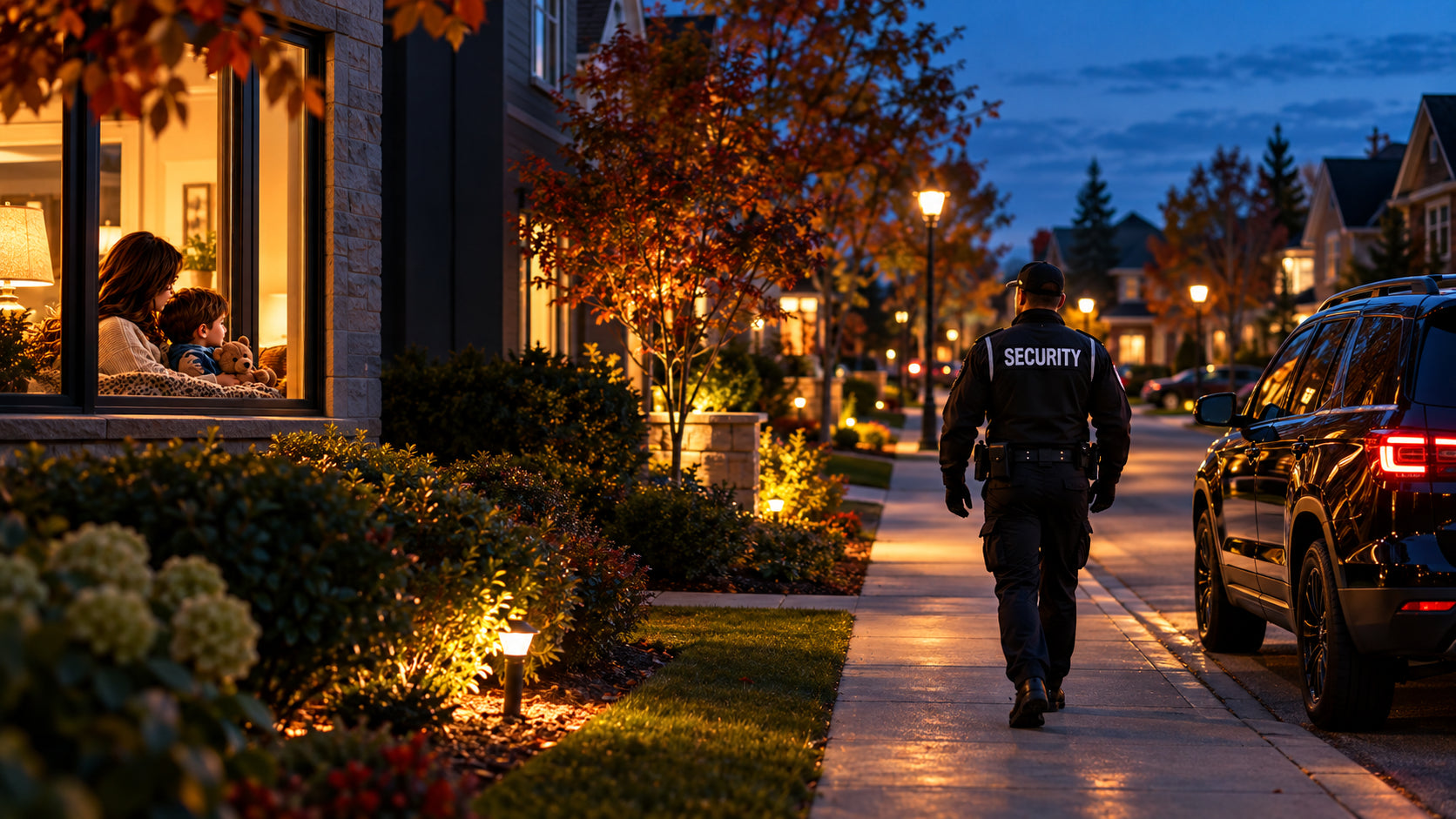
- One randomized drive-by per night
- Exterior visual observations from the vehicle
- App patrol notifications
Know what you’re choosing, what happens during a patrol, and how you stay informed.
Four simple steps. One connected experience.
Enter your postal code to see if service is available at your home.
Standard offers a drive-by pass. Plus and Elite include property stops with photo confirmation.
Provide your service address, phone number and property instructions.
View notifications in the NeighbourGuard app. Photo reports are included with Plus and Elite.
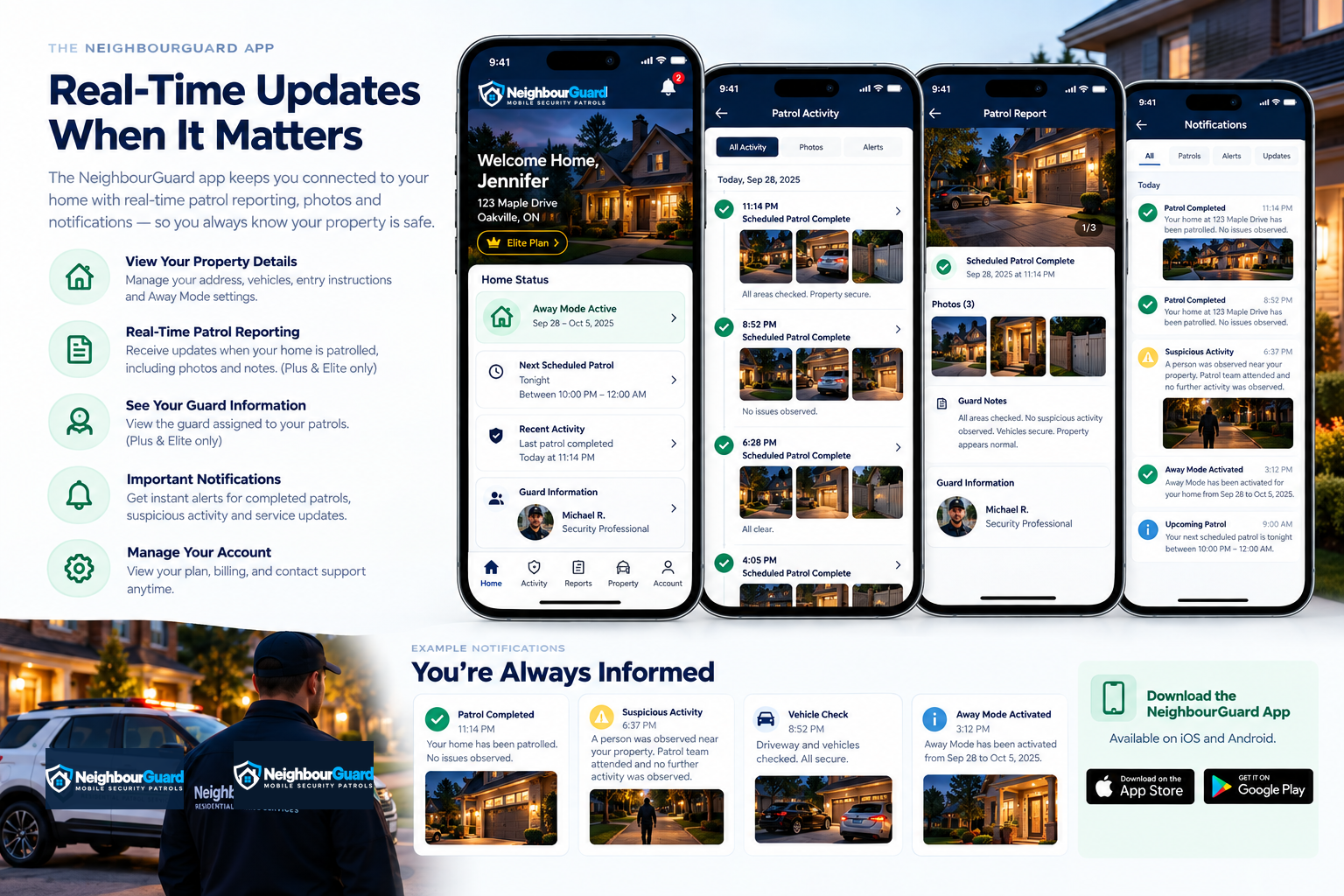
Patrol activity, photos and updates in the NeighbourGuard app.
Patrol times vary. We do not offer fixed appointment times.
Stay connected through the NeighbourGuard app.
Receive updates when your home is patrolled.
View photos from your property patrol stops.
Keep your away status and property instructions up to date.
Plus and Elite include Away From Home Watch. Keep your away status and property instructions up to date.
Your selected monthly plan + $79.99 one-time setup fee, plus tax.
After signup: monthly plan price, plus tax.
The setup fee is charged once only.
We observe visible, accessible exterior areas. Patrols do not include entering your home.
Coverage is offered in selected postal-code areas. Timing can vary with operational conditions.
If a guard observes a crime in progress or an emergency, they will call 911. If you need emergency assistance, call 911 directly. NeighbourGuard does not replace emergency services.
If a guard observes a crime in progress, an immediate threat to safety or another emergency, they will call 911 and provide the location and relevant details. Where safe and lawful, guards may verbally challenge those involved, help people move to safety and take reasonable action to interrupt unlawful activity within their legal authority. Physical intervention is assessed case by case and is not guaranteed. Guards document observations and provide app updates according to your plan and service procedures. For non-emergency concerns, guards contact police through the appropriate non-emergency channel when needed. NeighbourGuard does not replace police, fire or emergency medical services. If you need emergency assistance, call 911 directly.
No. Standard includes a mobile drive-by pass. Plus and Elite include property stops with photo confirmation.
This Plus and Elite feature lets you update your away status and property instructions while you’re away from home.
Your name, phone number and service address, including your city, province and postal code. You can also add property instructions.
No. The $79.99 setup fee is charged once at signup. After that, your selected monthly plan price applies, plus tax.